 PaperNext
The document client
paperless-ngx deserves
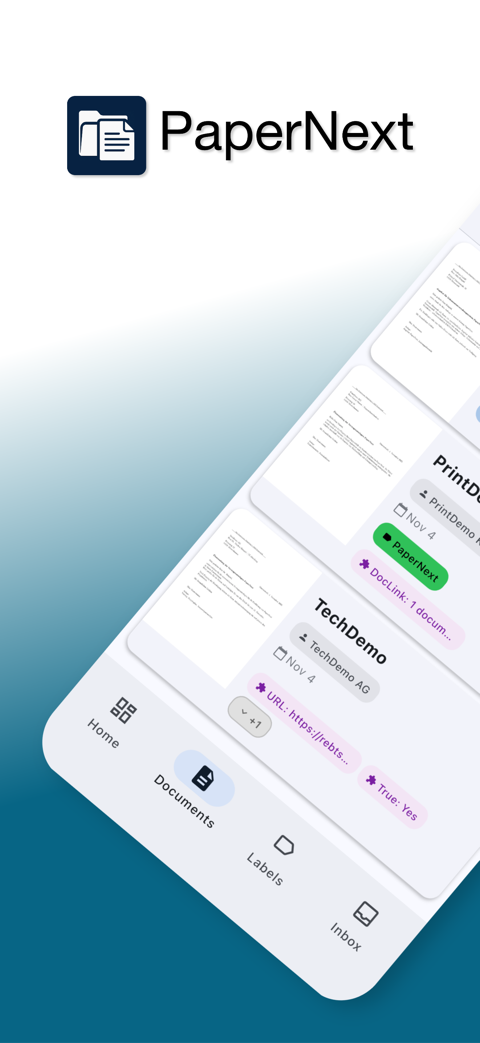
PaperNext turns your self-hosted paperless-ngx server into a fast, native mobile experience. Scan on the go, search instantly, and manage documents offline — on Android and iOS.
Now with full support for paperless-ngx 3
The latest release speaks the new paperless-ngx 3 API (v10) and automatically detects whether your server runs version 2 or 3 — both keep working exactly as before.
-
Live updatesWith paperless-ngx 3, changes on the server appear in the app instantly — no manual refresh needed.
-
Offline editingEdit or delete documents without a connection; changes sync automatically once you're back online.
-
Tag hierarchy & document versionsBrowse nested tags and every stored file version — both new in paperless-ngx 3.
-
Much faster syncOnly changed documents are downloaded, metadata syncs in parallel, and duplicate downloads are gone.
Everything you need, nothing you don't
PaperNext focuses on the parts of paperless-ngx you use every day, wrapped in a clean, native app.
Offline-first sync
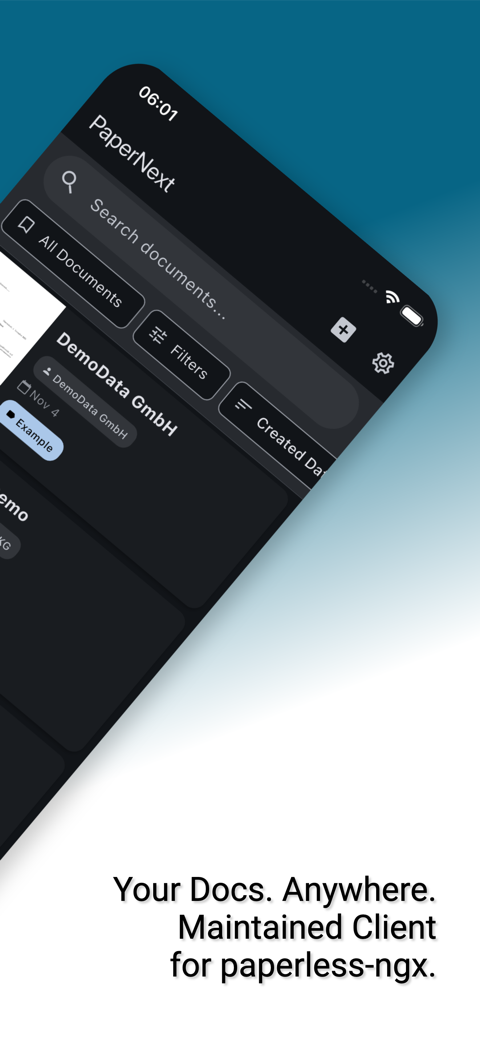
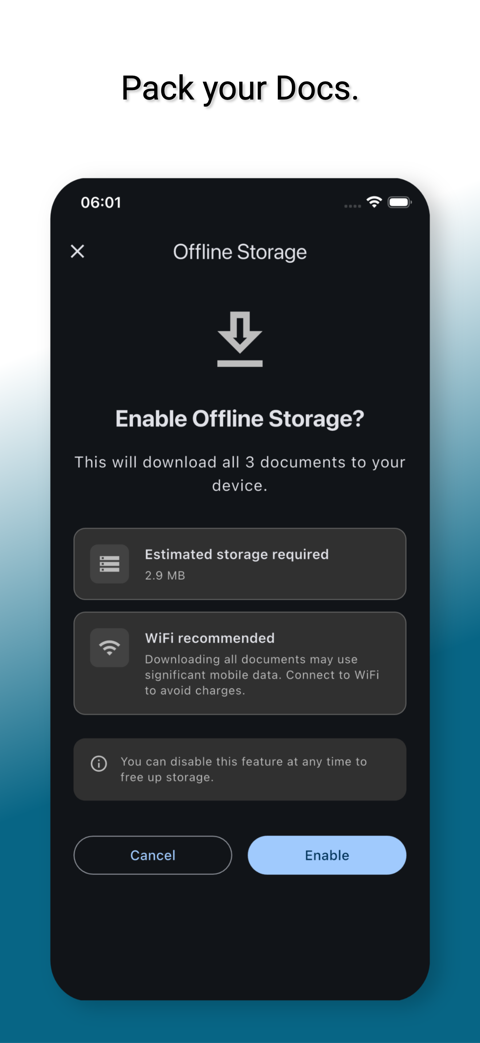
Documents, tags and metadata are cached in a local database, so browsing and searching stay fast even without a connection.
Instant full-text search
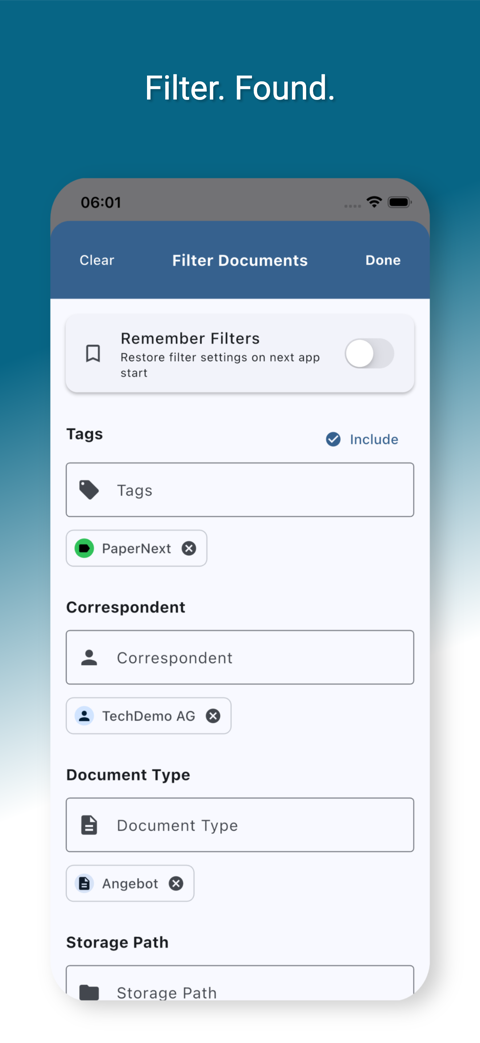
Find any document by title, content, correspondent or tag, with advanced filters and saved views right on your phone.
Scan & upload in seconds
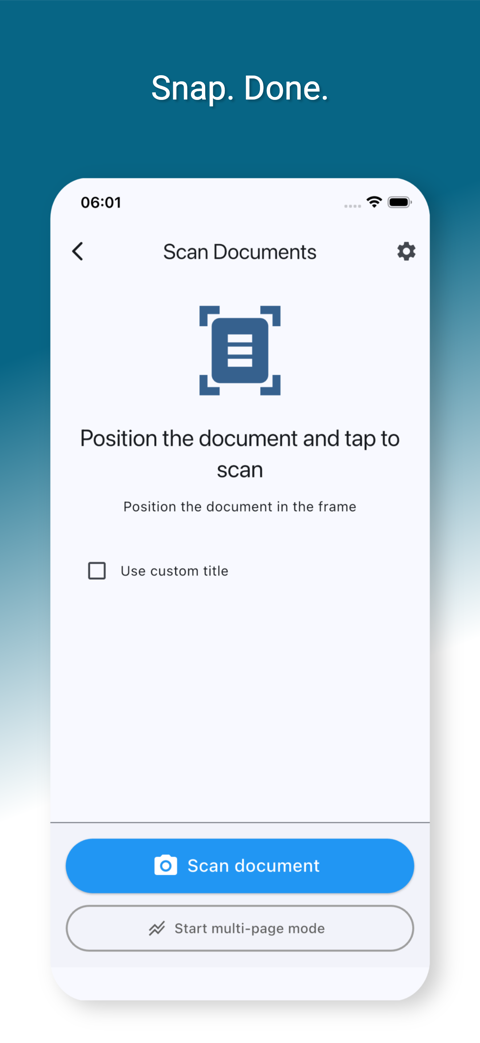
Capture paper documents with the built-in scanner or upload files in bulk, then tag and categorize before they hit your server.
Tags, types & custom fields
Full support for correspondents, document types, storage paths and custom fields — text, date, monetary, select and more.
Secure by design
Token authentication, two-factor login and biometric unlock keep your access credentials safe on your device.
Native on every device
A true Material Design 3 experience on Android and iOS, with light and dark themes that match your system.
A tour of the app
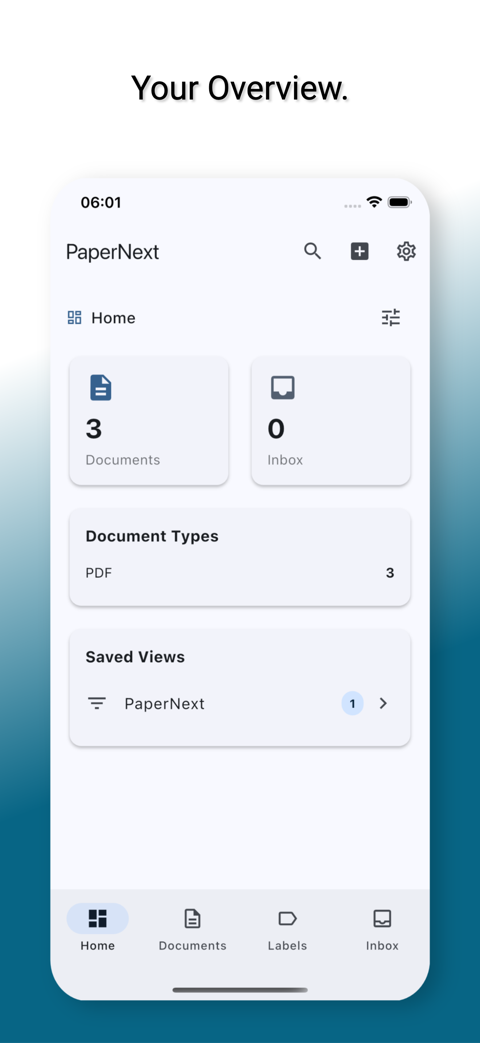
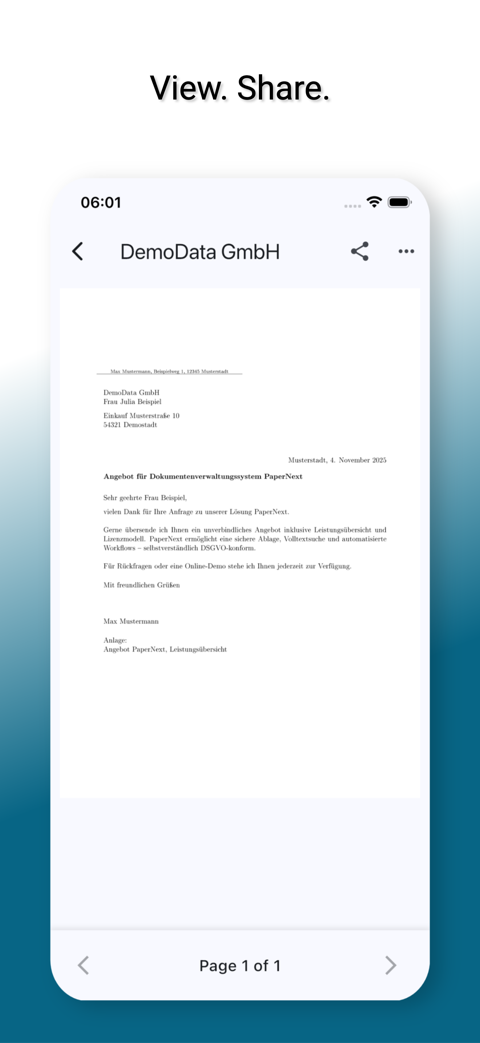
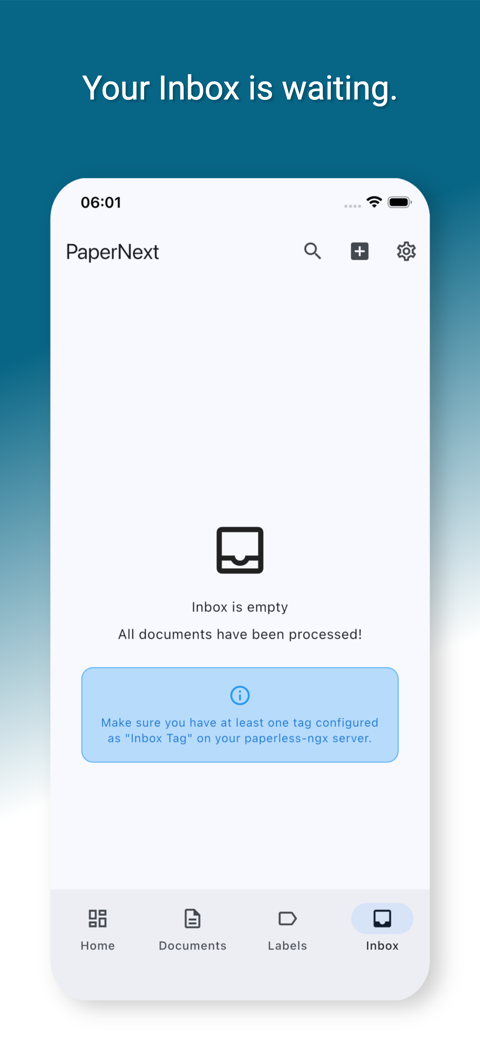
From login to search — a quick look at the PaperNext experience.
Your documents. Your server. Your rules.
PaperNext connects only to the paperless-ngx server you configure — nothing is routed through us, and nothing is collected for advertising or analytics.
-
Encrypted credential storageLogin tokens and passwords are stored in the platform's secure keychain or keystore, never in plain text.
-
Direct, encrypted connectionAll traffic goes straight to your paperless-ngx instance over HTTPS — no intermediary servers.
-
2FA, mTLS & token authSupports username/password, API tokens, two-factor authentication, and mutual TLS for locked-down deployments.
-
No analytics, no trackingPaperNext does not use third-party analytics or advertising SDKs. Your usage stays yours.
Built on paperless-ngx
PaperNext is an unofficial client for paperless-ngx, the popular open-source document management system. Point it at your existing instance — no migration, no lock-in.
- Works with self-hosted serversAny paperless-ngx instance you already run, on your own infrastructure.
- Open-source backendBuilt against the actively developed, GPL-licensed paperless-ngx API.
Help shape PaperNext
PaperNext is in active open beta. Join in, report bugs, and talk to the team directly.
Join the beta
Get TestFlight or Play Store beta access and see new features first.
Report a bug
Found something broken? File it in the bug tracker and we'll take a look.
Community forum
Discuss features, ask questions, and connect with other users.
Email us
Prefer email? Reach the PaperNext team directly at kontakt@rebtsoft.com.
Frequently asked questions
Is PaperNext free?
Yes. PaperNext is free to use during the open beta on both Android and iOS.
Does it work with any paperless-ngx server?
PaperNext connects to any self-hosted paperless-ngx instance you already run — just enter your server URL and sign in. Both paperless-ngx 2 and the new paperless-ngx 3 are supported, detected automatically.
Where is my data stored?
Your documents live on your own paperless-ngx server. PaperNext keeps a local, offline copy on your device for fast access; nothing is sent to us or any third party.
Which platforms are supported?
Android and iOS are the primary targets. Desktop platforms may work but are not officially supported.
How do I report a bug or request a feature?
Use the in-app feedback dialog, the bug tracker, or the community forum — every report helps.